
LinkGuard for Chrome & Firefox
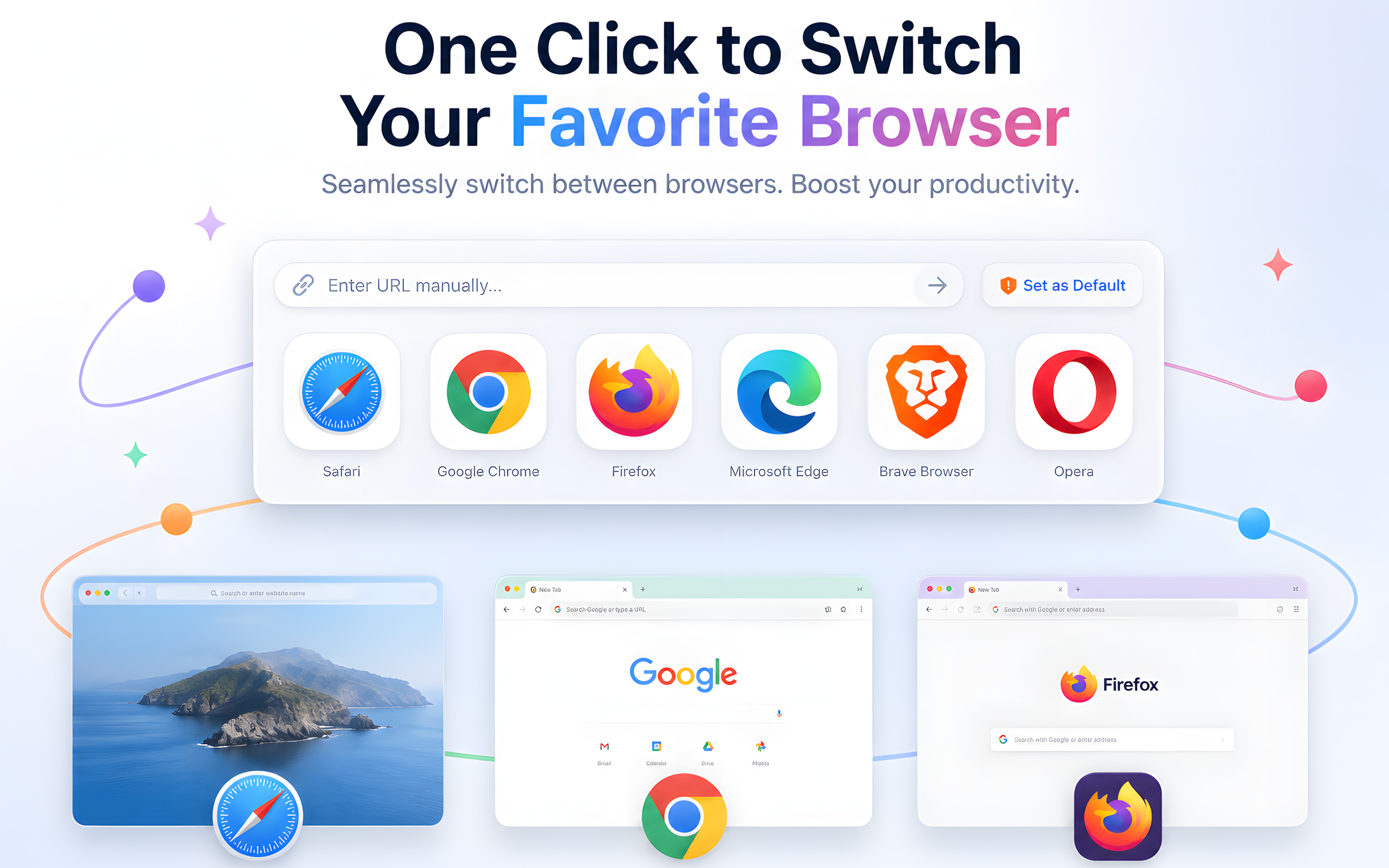
Open links in the right browser every time. Route URLs to Safari, Chrome, Arc, Firefox, Edge, Brave, Opera, or Orion on Mac.

Description
LinkGuard is a smart browser switcher for macOS. Set it as your default browser, choose where each link opens, and review safety signals before a page loads.
Use Chrome for work links, Safari for personal browsing, Arc for research, Firefox for testing, Brave for privacy, or any browser that fits the moment. LinkGuard helps you manage links intentionally instead of changing your default browser again and again.
WHY LINKGUARD
- Open links in the right browser Click a link from Mail, Messages, Slack, Notes, documents, or another app, then send it to Safari, Chrome, Arc, Firefox, Edge, Brave, Opera, Orion, or another installed browser.
- Use it as your default browser Make LinkGuard your default browser and use it as a clean handoff point for external links. No more copying URLs, pasting into another browser, or digging through System Settings.
- Manage multiple browsers Keep work, personal, privacy, and testing contexts separate. LinkGuard is built for people who use more than one browser every day.
- Review link history Keep a local history of opened links so you can find URLs again, review where they opened, and understand your browsing workflow.
- Check suspicious links before opening LinkGuard adds a safety layer before a page loads. Local rules, Google Web Risk, and AI-assisted intent analysis can help flag suspicious URLs, unsafe protocols, phishing patterns, and brand impersonation attempts.
- Lightweight and native Built for macOS with a focused interface that stays out of the way until a link needs your attention.
HOW IT WORKS
1. Set LinkGuard as your default browser in macOS. 2. Click any link from another app. 3. Choose the browser you want, review safety signals when needed, and open with confidence.
PERFECT FOR
- People who use Safari for personal browsing and Chrome for work.
- Developers and QA testers checking links across browsers.
- Teams that need certain tools to open in specific browsers.
- Privacy-conscious users who separate browsing contexts.
- Anyone tired of changing the default browser manually.
LinkGuard is not a replacement for careful judgment or dedicated security software. Its safety analysis is assistive and cannot guarantee that every unsafe link will be detected.
Download LinkGuard and make every link open in the right browser.
Privacy Policy: https://www.jadeteamworks.com/apps/6760297496/privacy Terms of Use (EULA): https://www.jadeteamworks.com/apps/6760297496/terms
Screenshots